Minimalist Word Resume: A Modern Template for Clean Design
Crafting a resume that stands out in a stack of applications is a significant challenge. Many professionals struggle with outdated formats that fail to communicate their value effectively. A Minimalist Word Resume / CV Template offers a direct solution, providing a clean, modern framework that lets your experience take center stage. This approach prioritizes clarity and visual hierarchy, ensuring recruiters can quickly identify your key qualifications without distraction.
The Visual Appeal of a Minimalist Approach
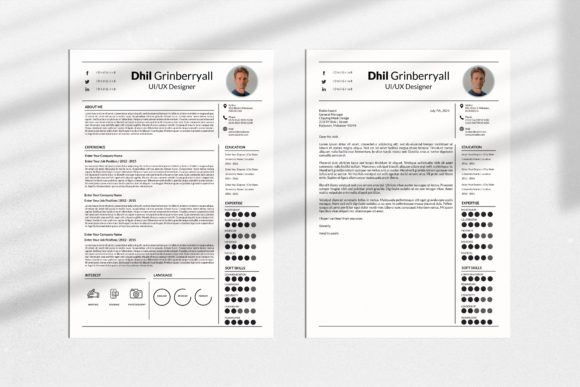
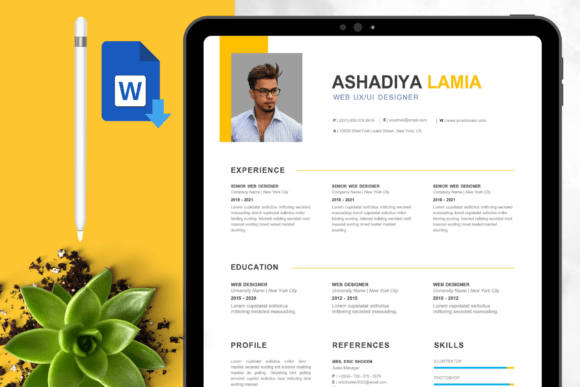
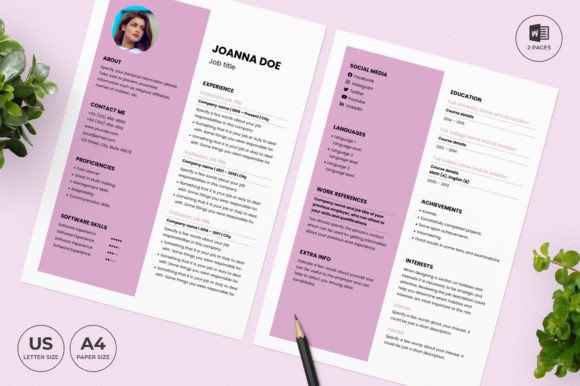
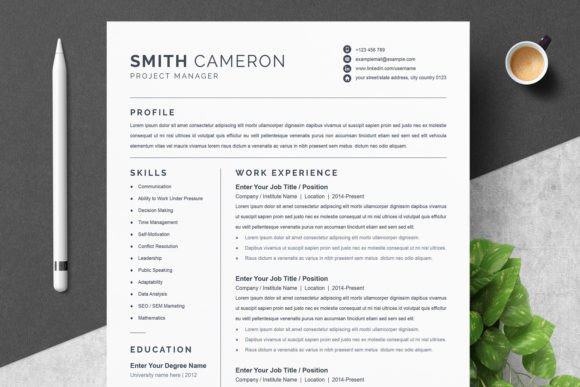
At its core, this template embodies modern typography and thoughtful design. The visual characteristics focus on ample white space, a balanced layout, and a restrained color palette. This creates a personality that is confident, professional, and highly organized. The style avoids unnecessary graphics or complex design elements, which can often detract from the content itself. Instead, it uses subtle lines, strategic section breaks, and a clean sans serif font to guide the reader’s eye naturally down the page. This overall appeal is one of sophistication and efficiency, signaling to a potential employer that you value clear communication and attention to detail.
The template’s strength lies in its versatility. While designed as a display font for headings, the included typeface pairs beautifully with simpler body text, creating a strong visual hierarchy. This isn’t just about making a document look good; it’s about readability. A well-structured minimalist resume allows a hiring manager to scan for information in seconds, which is crucial in today’s fast-paced job market. The design supports the content, rather than overwhelming it.
Practical Applications Beyond the Job Hunt
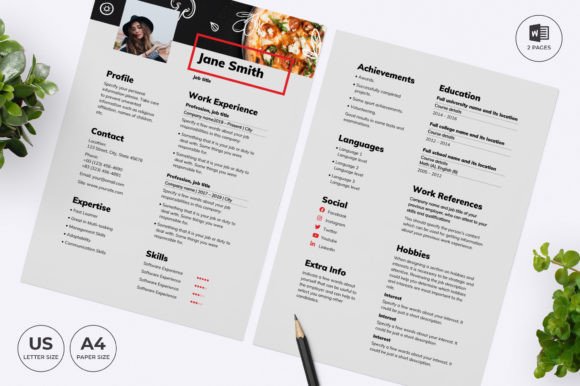
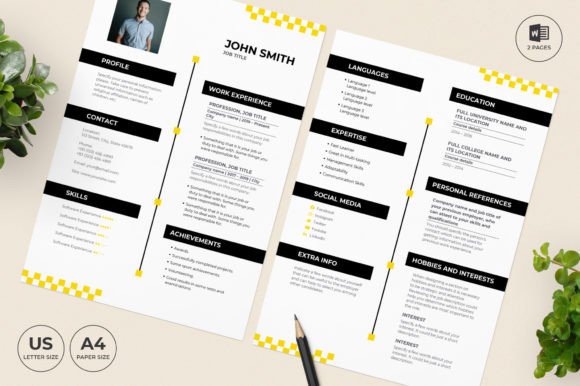
While the primary function is clear, the assets included in this package have broader utility. The Microsoft Word and Mac Pages files are fully editable, making them excellent starting points for various projects. For freelancers and small business owners, the clean layout can be adapted for professional service proposals, project briefs, or company capability statements. The Cover Letter Template, which can double as a Thank You letter, ensures your entire correspondence suite maintains a consistent brand identity.
The included Photoshop (PSD) and Illustrator (EPS) files open up even more possibilities for designers and marketers. These design assets can be integrated into editorial design projects, used as foundational elements for packaging design mockups, or adapted for sleek social media graphics. Imagine using the same clean lines and typographic style from your resume to create a cohesive Instagram carousel for your personal brand or a professional LinkedIn banner. This consistency builds recognition and reinforces a polished, professional image across all platforms.
Choosing and Customizing Your Template
Selecting the right template involves more than just picking a design you like. You must evaluate the project fit. Does the minimalist style align with your industry? For creative fields like marketing, design, or tech, this modern approach is often highly effective. For more traditional sectors, the template’s simplicity still works, but you might consider using a more conservative serif font for the body text, a change easily made within the files.
Practical guidance starts with the included instructions file. Review it to understand the file structure. Then, test font pairings. The template provides links to the free fonts used, but you are encouraged to experiment. Try pairing the heading font with a classic script font for your name to add a touch of personality, or stick with a unified sans serif font family for maximum cohesion. Always check readability at different sizes, especially for the body text that will detail your experience and skills.
Remember, the templates are do-it-yourself. You type your information directly over the placeholder text. This hands-on approach allows you to make the document truly yours. Adjust section headings to highlight your strongest assets—if you’re a project manager, perhaps “Key Projects” deserves more prominence than “Education.” Change the color scheme to match your personal brand or the company’s palette if you know it. This level of customization transforms a generic template into a powerful personal marketing tool, demonstrating your ability to present information clearly and attractively. The goal is a final document that feels both professional and authentically you.